Notifications
Notifications screen can be accessed through the second position in main menu and the second icon in the dropdown menu. It shows all notifications and active issues.
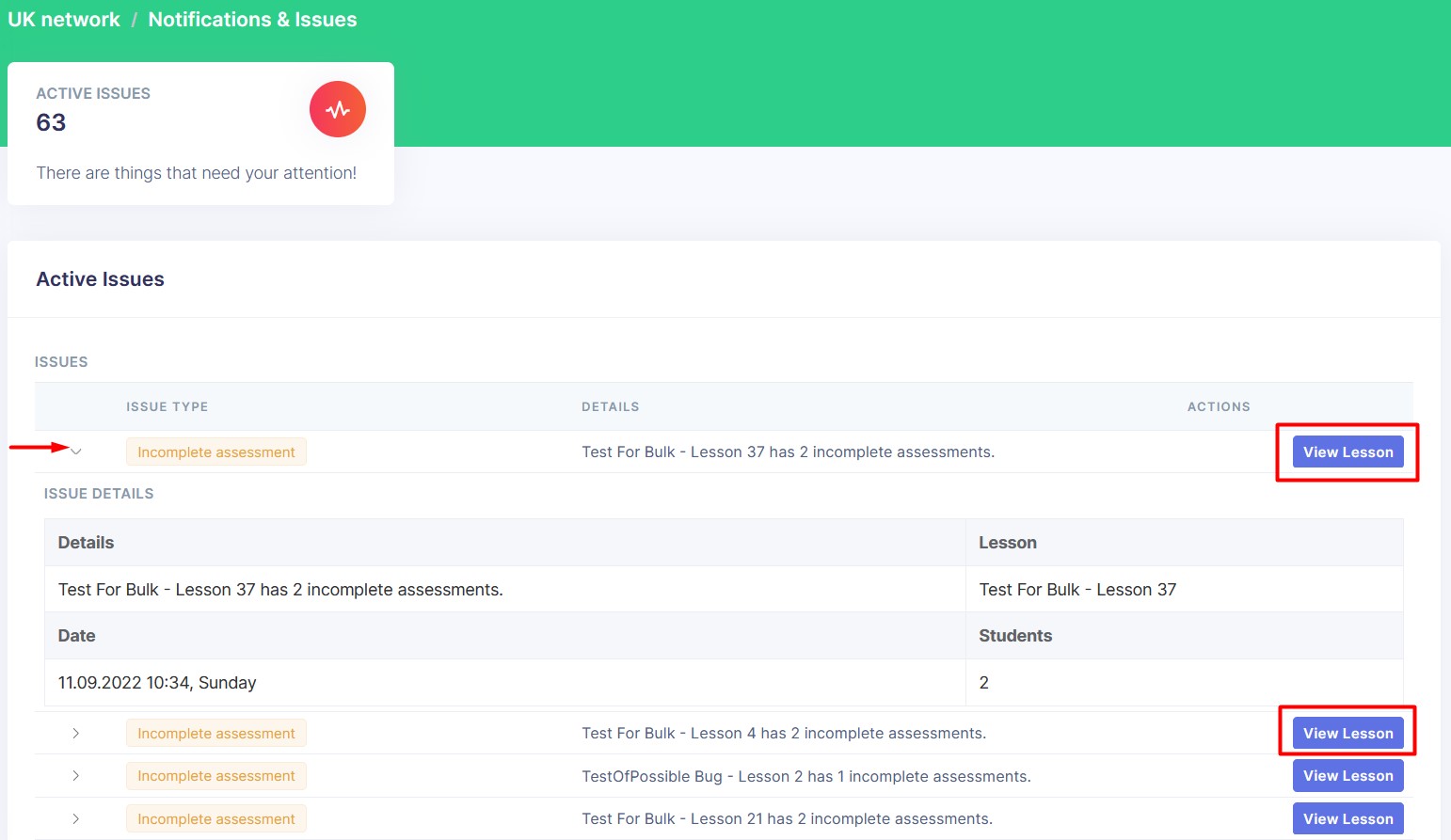
Active Issues
Clicking on Issue accordion will open the issue details table. Another click will close the table.
Once you click on the View Lesson button, you will be redirected to that lesson's details page.