Dashboard
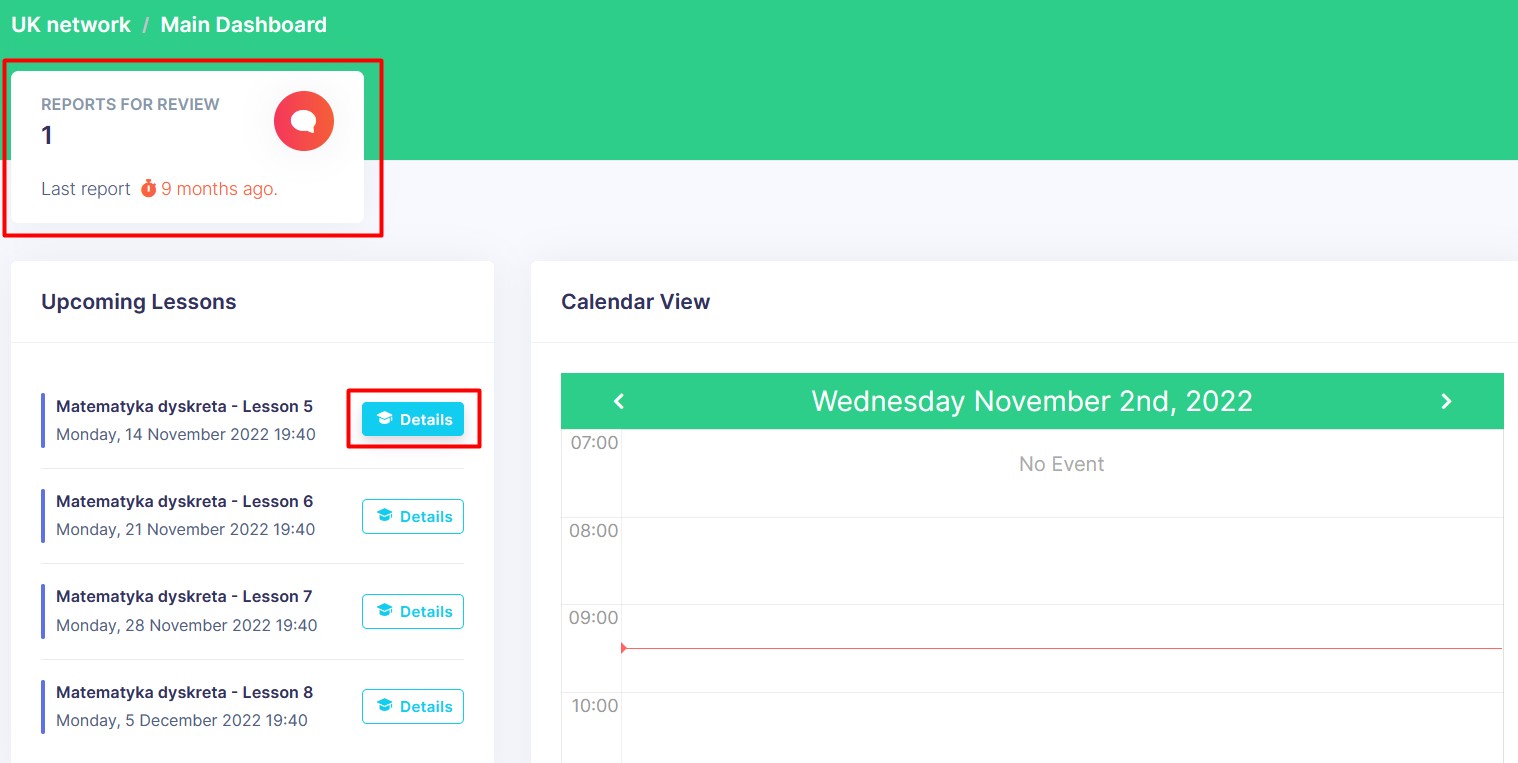
Dashboard is the first screen that appears after login. It contains an Upcoming Lessons section and a Calendar View of your worktime. It is a quick way to see the status of all your lessons.
Navigate to Reported Posts
In top left corner there is a Reports for Review card. It shows the number of reports that are waiting for your review. Clicking on the card will open the Reported Posts page.
Open Lesson Details
Clicking on a Details button next to a lesson in the Upcoming Lessons section will open the Lesson Details page.
Open New Messages
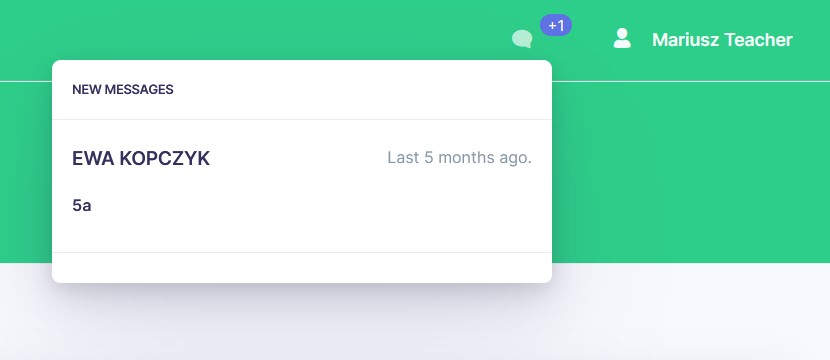
Clicking on the chat icon in the top bar will open New Messages modal. It shows the list of new messages in your chats. Clicking on a message will open that chat.
Calendar View
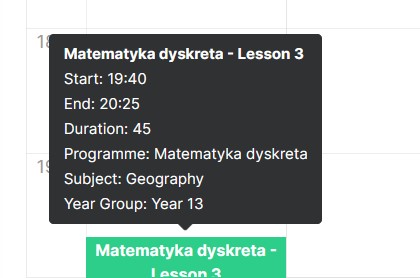
Hover over a lesson in calendar and the lesson details will appear. Clicking on a lesson will open the Lesson Details page.