Profile
Profile screen can be accessed through the fourth icon in the dropdown menu. It shows the user's profile information.
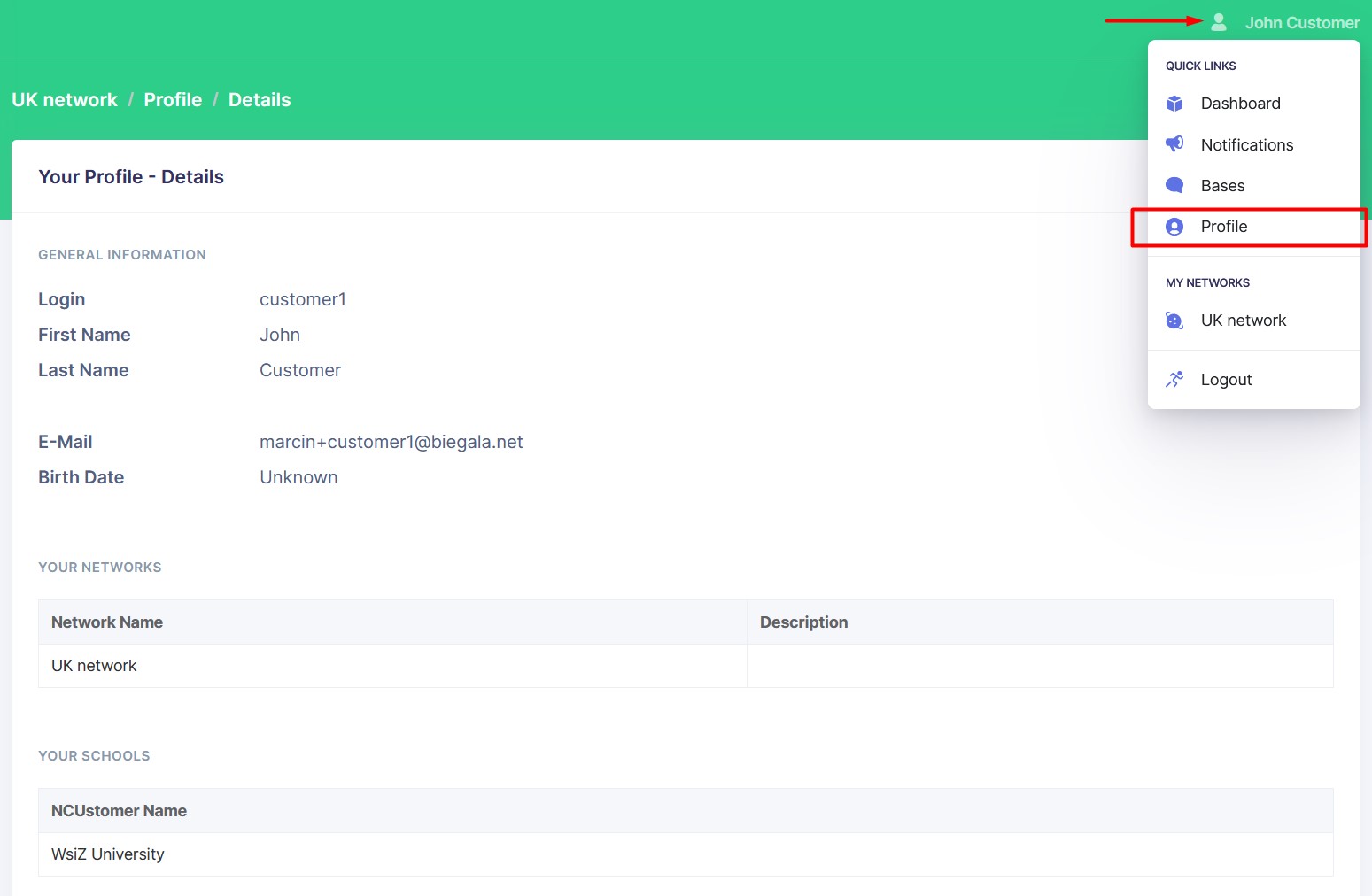
The Profile page contains general information about the user and a list of the user's Networks and Schools.
Change Password
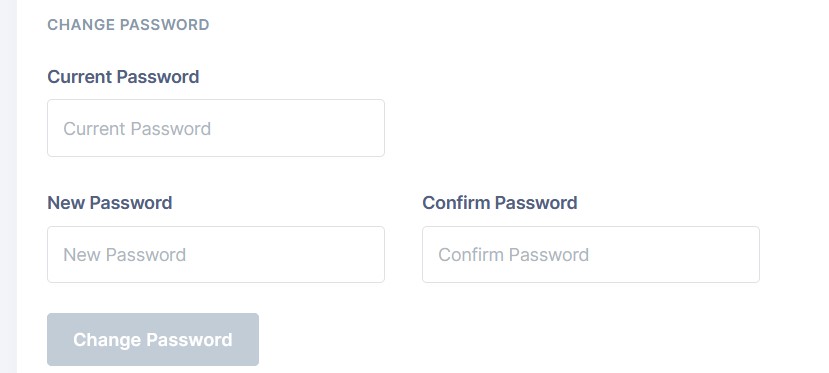
You can change your password by clicking on the Change Password button. Enter your current password and the new password twice.
Your new password must be at least 3 characters long. New password and confirmation must match.