Lessons
Lessons table contains a list of all your lessons. You can see the lesson's name, date, time, duration, and status
Navigate to Lesson Details
Once you click on a lesson name (in the first column) it will open the Lesson Details page. Same can be done by clicking on the 'info' icon in the Actions column.
Lesson Details Page
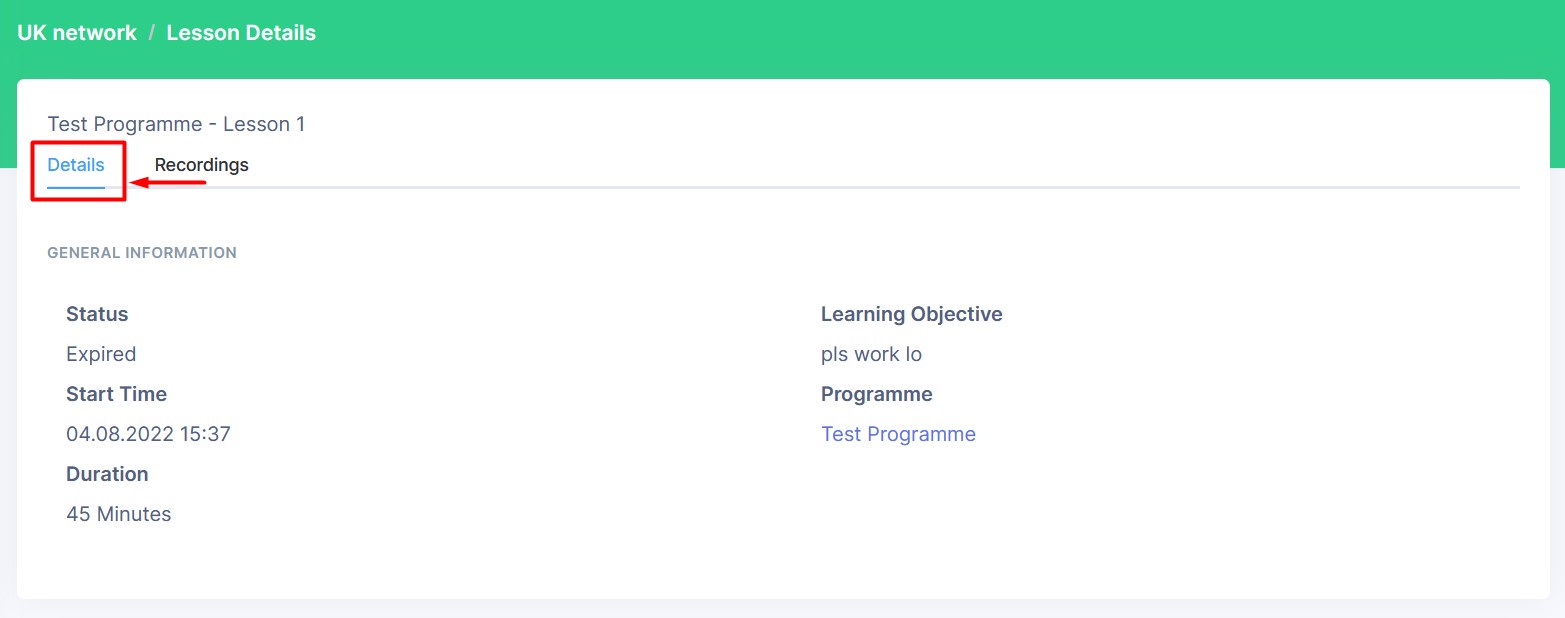
Lesson Details Page is divided into two subsections: Details and Recordings. Clicking on the subsection name will open the subsection.
Lesson Recordings
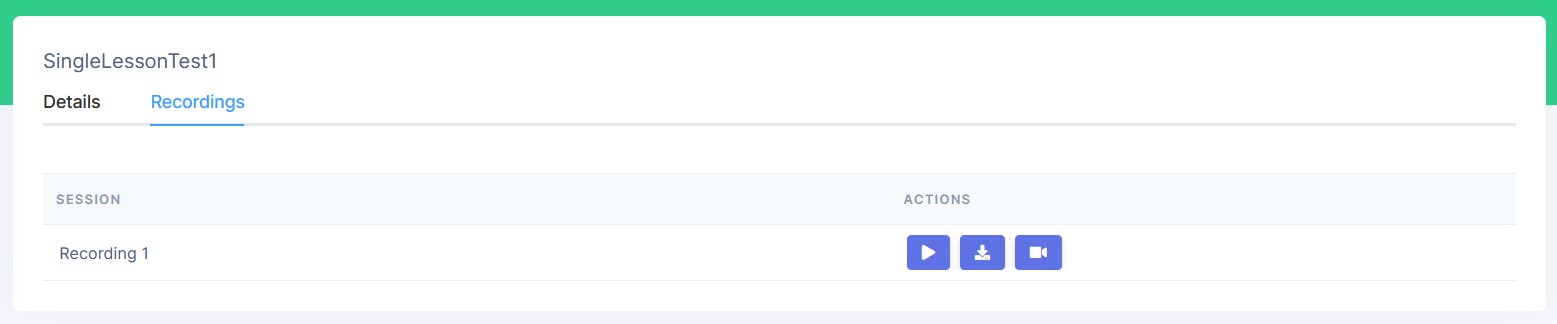
The Recordings table shows all the recordings for the lesson. It contains two columns- session name and actions.
You can perform three actions:
- Play - click on the play icon to play the recording
- Download - click on the download icon to download the recording
- Edit - click on the camera icon to edit the recording